
📘 What it is
Audiences & Offers is the second module of the Intelligence Engine. The AI analyzes your Diagnostic Form and generates four documents:
- Product Brief: summary of your solution and its scope.
- High-Value Promise: your core value proposition, key messages and differentiators.
- ICP — Ideal Customer Profile: which types of companies and industries are your target.
- Buyer Personas: profiles and job titles of the people who make the decision.
Each document has its own status: Generated, Modified (if you edited it) or Approved. All four must be approved to be able to generate the Funnels module.
📍 Where to find it
Side menu → INTELLIGENCE group → Intelligence Engine → your product → Audiences & Offers tab.
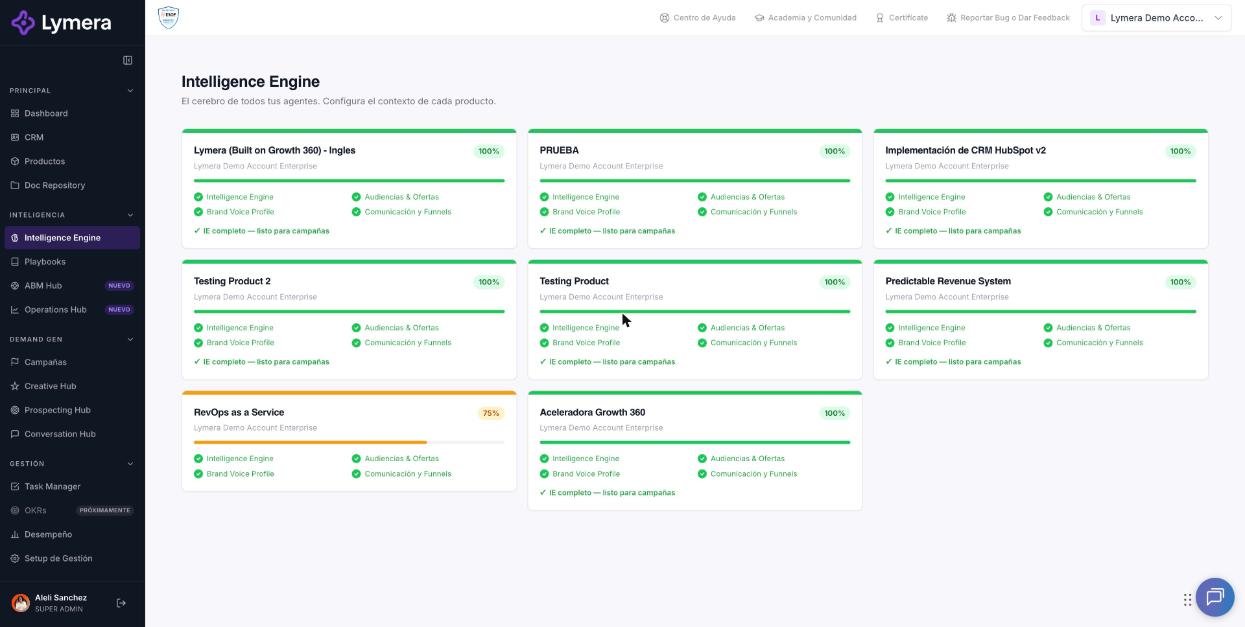
Screen: 2.3 How to generate, edit, review and approve Audiences and Offers in the Intelligence Engine
🛠️ How to do it
Before you start
Your Diagnostic Form must be complete and saved (see article 2.2).
Generate the documents
- Go to the Audiences & Offers tab.
- Click Generate Audiences & Offers with Claude.
- You'll see "Claude is generating the Audiences & Offers...". It normally takes 2 to 4 minutes. You can go to other sections: the generation continues and the result appears here.
- When it finishes you'll see "Generated on {date}" and the four documents.
Edit a document
- On the document, click Edit.
- Make your changes and click Save changes (or Cancel).
- The document changes to "Modified".
If you prefer to work outside Lymera, each document has a Word button to download it. Lymera does not re-import files: if you make big changes in Word, copy and paste them back into the platform.
Regenerate
- Regenerate (on a document's card): recreates only that document. Its current content is lost and you're asked to confirm.
- Regenerate Unapproved: regenerates only the documents that aren't approved yet.
- Regenerate all: regenerates all four; current edits are lost.
Submit for review and approve
- Click Submit for review in the module's top bar.
- On each document click Approve document and confirm with Yes, approve.
- When all of them are approved you'll see "✓ All documents approved".
Each approved document is locked for editing for 7 days. If you need to change it sooner, an account administrator can use Revert to draft or Unlock.
Print or save as PDF
The module has the Print / PDF button.
❓ Frequently asked questions
❓ How long does generation take?
Approximately 2 to 4 minutes. You can leave the screen in the meantime.
❓ Does generating use credits?
Yes. If you have no balance you'll see "No credits available to generate Audiences". Check your balance and the cost of each operation with your Customer Success contact or in Account & Billing.
❓ Can I correct a document after approving it?
Yes. After the 7-day lock you can create a New version; before that, an administrator can use Unlock. The other modules that depend on this one will show "needs review".
❓ Why can't I approve a document?
Because the module isn't under review or your role doesn't allow approving. Submit the module for review and try again.
❓ Why does "Audiences is approved: create a new version before regenerating it." appear?
An approved module is locked. Create a new version to be able to regenerate it.
🔧 If something doesn't work
| What you see | Likely cause | What to do |
|---|---|---|
| "A generation is already in progress." | There is an active generation | Wait for it to finish; don't click generate again |
| "The regeneration is still running on the server." | The regeneration is taking longer than usual | That's normal: the platform recovers the result on its own. Don't regenerate again |
| "This is taking longer than usual. Reload the page in a few minutes" | Delay in the generation | Reload, check whether the document has already been saved and regenerate only if it didn't change |
| "{N} required field(s) missing in the Diagnostic Form" | The form is incomplete | Complete it and click Save progress |
| "No credits available to generate Audiences" | Insufficient balance | Talk to your Customer Success contact |
| More than 15 minutes go by with no result | Temporary failure | Write to support with: company, user, product, start time, affected document and a screenshot |