
📘 What it is
Brand Voice Profile is the third module of the Intelligence Engine. There you define how your brand speaks: tone by channel, vocabulary, narrative style, examples and special rules. The agents and AI-generated messages use it to sound like you.
Unlike Audiences and Funnels, this module is a form: it has no long generation. You fill it in by hand or rely on auto-fill.
The form includes:
- General description: short descriptor, description of your Brand Voice and core values.
- Tone by channel: LinkedIn, Email and WhatsApp.
- Vocabulary: approved, prohibited and adjectives to avoid.
- Narrative style: style, balance between narrative and data, technical level and whether humor is allowed.
- Examples of messages that work.
- Communication by segment.
- Brand personality and Special rules.
The required fields (marked with an asterisk) must be complete to be able to approve the module.
📍 Where to find it
Side menu → INTELLIGENCE group → Intelligence Engine → your product → Brand Voice Profile tab.
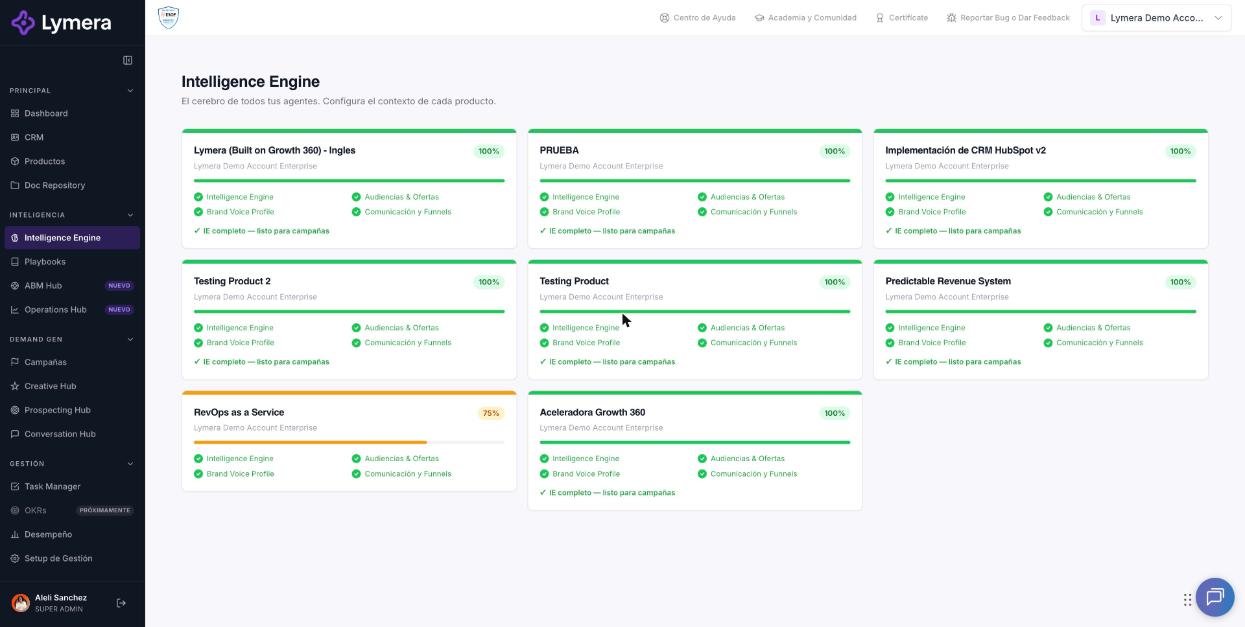
Screen: 2.4 How to generate, edit, review and approve Brand Voice in the Intelligence Engine
🛠️ How to do it
Option A: auto-fill with your content
- In the "Auto-fill with Claude — Detect Brand Voice" block, paste into Content to analyze a sales email, a LinkedIn post, a WhatsApp message, text from your website or sales scripts.
- Click Analyze and auto-fill fields.
- You'll see "Analyzing and auto-filling...". When it finishes, the notice says how many fields were filled in.
- Review the complete form and adjust whatever is needed.
Option B: fill it in by hand
- Choose the tone selectors (for example Formal, Conversational, Direct, Consultative, Storytelling, Data and Evidence or Analogies) and the technical level (Basic, Intermediate or Advanced).
- Write the approved and the prohibited vocabulary, one per line.
- Add real examples of messages that got a positive response.
- In Communication by segment, define the specific tone for each segment.
Save and approve
- Click Save draft to save your progress.
- Use Submit for review and then Approve in the module bar. You'll see these statuses: "Draft — complete and save the Brand Voice Profile", "Under review — the Brand Voice Profile is read-only" and "✓ Brand Voice Profile approved".
- If you want, download it with the Word button.
❓ Frequently asked questions
❓ Does auto-fill replace what I already wrote?
It fills in fields based on the content you pasted. Review the result before saving.
❓ Can I change the Brand Voice after approving it?
Yes, by creating a New version. It's available 7 days after approval, or sooner if an administrator uses Unlock. When you approve the new version, the modules that depend on it will show "needs review".
❓ Does it affect messages I've already sent?
No. It applies to what is generated or personalized afterwards.
❓ Does auto-fill use credits?
It uses AI, so it may use credits. Check with your Customer Success contact how it is charged on your plan.
🔧 If something doesn't work
| What you see | Likely cause | What to do |
|---|---|---|
| "Error analyzing." or "Unexpected error while analyzing with Claude." | The text is too long or the analysis failed | Paste a shorter text or one from another source and try again |
| The save or approve button is blocked | Required fields are missing, or the module is under review or approved | Complete the fields marked with an asterisk; if it's under review, wait for the decision |
| The content doesn't change the tone | The examples don't clearly show the desired style | Paste clearer examples and review the tone selectors |
| The analysis fails repeatedly | Temporary failure | Write to support with: company, user, product, time, approximate length of the text (without sensitive data) and a screenshot |